
Website SEO Checker Free SEO Audit (PDF)
Full on-page & technical audit of any URL, delivered as a branded PDF report.
Enter any URL to run a free website SEO check covering titles, meta tags, headings, content, technical health, schema and Core Web Vitals. You get a score out of 100 and a downloadable PDF report with prioritised fixes.
30+ checks. One beautiful PDF.
- Overall SEO score, grade & category breakdown
- On-page: title, meta, headings, images, keyword placement
- Technical: HTTPS, canonical, indexability, schema, robots & sitemap
- Performance: server speed, page weight & Google PageSpeed
- Social: Open Graph & X cards
- A ranked, plain-English fix list
How to use the website SEO checker
- Enter the full address of the page you want to check — your homepage or any service page.
- Add the keyword you want that page to rank for (for example “dentist in malad”), plus your name and email.
- Click “Generate my free PDF report” and wait about a minute while the page is fetched and tested.
- Read your score out of 100 and the list of issues, sorted from most to least important.
- Download the branded PDF and work through the fixes, or share it with your developer.
What the website SEO checker tests
On-page SEO (title tag, meta description, headings, word count, image alt text), technical SEO (HTTPS, canonical tag, robots rules, sitemap, mobile viewport), structured data, and speed signals. Each check is marked pass, warning or fail with a plain-English fix.
Fix in the right order
Start with anything marked “fail” that blocks indexing — noindex tags, a wrong canonical or a page blocked in robots.txt. Then fix titles and descriptions, then content and speed. Re-run the audit after each round of changes.
Audit your money pages, not just the homepage
Most leads come from service and location pages. Audit each one separately: every page needs its own keyword, unique title and description, one H1 and internal links from related pages.
What does a website SEO checker test?
A website SEO checker reads your page the way Google does and flags what stops it from ranking. Our free checker crawls up to 14 key pages of your site and reviews:
- Technical SEO — HTTPS, indexing (noindex), canonical tags, robots.txt, XML sitemap and broken pages
- On-page SEO — title tags, meta descriptions, H1 headings, duplicate titles and thin content
- Local SEO — name, address and phone (NAP), Google Maps link and LocalBusiness schema
- Speed — server response time and Google PageSpeed on mobile
- Conversion — click-to-call, WhatsApp and enquiry forms
- Trust (E-E-A-T) — About, privacy and review signals, with extra checks for healthcare, finance, legal and real estate sites
How to read your SEO score
| Score | What it means | What to do |
|---|---|---|
| 80–100 | Strong foundation | Focus on content, local pages and links |
| 60–79 | Workable, with gaps | Fix the high-priority items in the first 30 days |
| 40–59 | Several issues holding rankings back | Start with critical and technical fixes |
| Below 40 | Major problems | Fix indexing, titles and speed before anything else |
The most common SEO problems we find
- Missing or duplicate title tags and meta descriptions
- Service pages with under 300 words
- No H1 heading, or several H1s on one page
- Location (area/city) missing from the home page title
- No business schema linking the site to Google Business Profile
- Slow mobile pages (LCP over 4 seconds)
- No WhatsApp or click-to-call button
What to do after your audit
- Fix the Critical and High items first — they usually take days, not months.
- Use the keyword map to create one page per service and location.
- Follow the 0–14 / 15–30 / 31–60 / 61–90 day roadmap in the PDF.
- Re-run the audit after a month to see your score improve.
Want an expert to walk you through it? Get a free proposal or call us — we review reports for free.
Ready to grow faster than your competitors?
Book a free 30-minute strategy call. We'll audit your presence and show you exactly where the growth is.
Guides from our blog
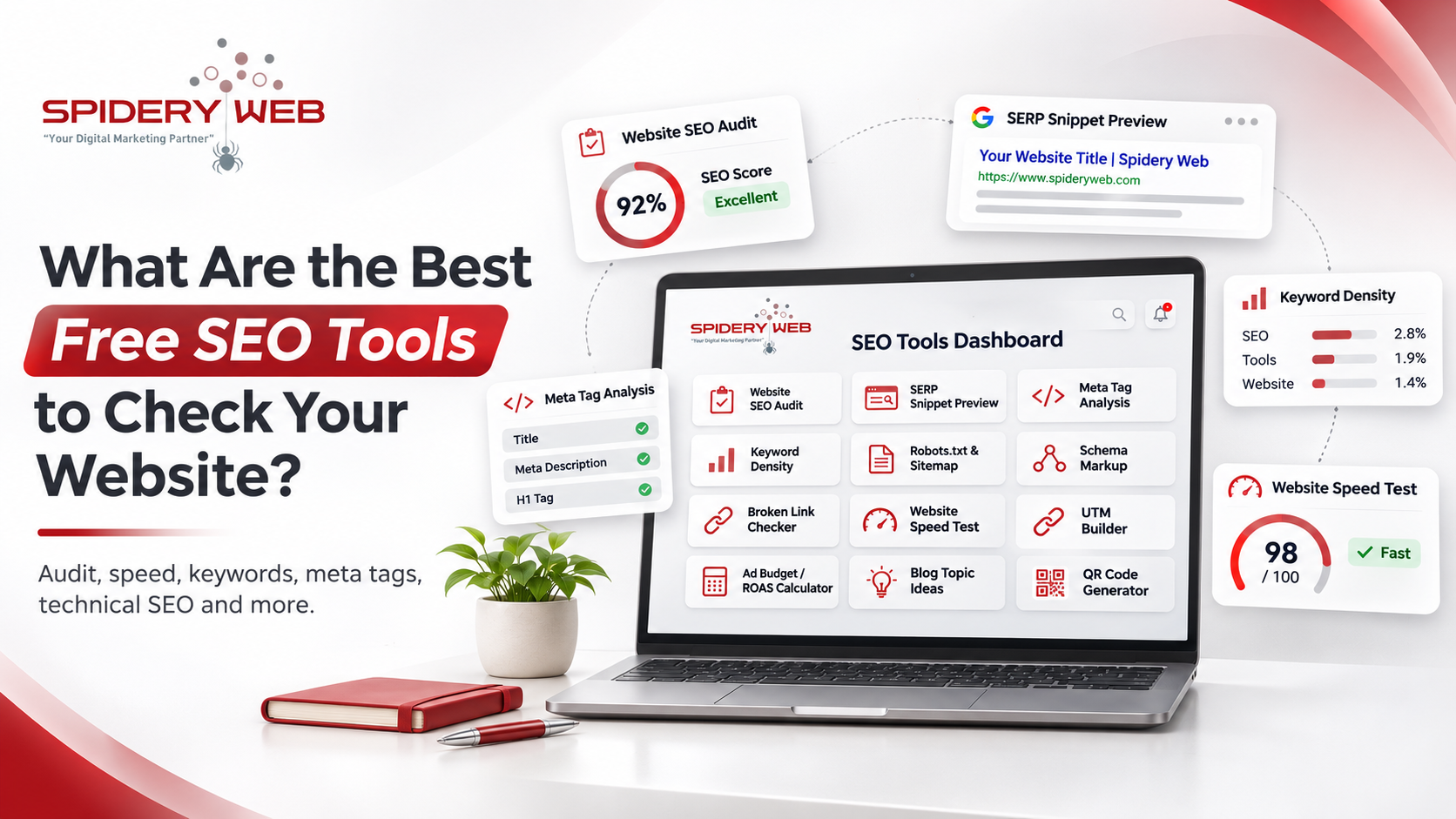
What Are the Best Free SEO Tools to Check Your Website in 2026?
Want to know why your website isn't ranking on Google? Discover free SEO tools to check website speed, meta tags, keywords, technical issues and overa…

SEO-Friendly Website Development: Why It Matters Before You Build
In today’s digital age, simply having a website isn’t enough. You need a website that actually works for you—one that shows up when potential customer…

How to Choose the Right SEO Company: 10 Questions to Ask Before You Hire
Not every SEO company delivers leads. Use these 10 questions, red flags and pricing benchmarks to pick a partner you will not regret.
Frequently asked questions
Is the website SEO checker really free?
Yes. Enter your URL, name and email to get a full on-page and technical SEO audit with a downloadable PDF — no payment or login.
What does the SEO audit check?
Title and meta tags, headings, content length, images and alt text, internal links, canonical and indexability, schema, HTTPS, mobile readiness and Core Web Vitals via Google PageSpeed.
How often should I run an SEO audit?
Run a quick audit after every website change and a full audit of key pages once a month. Big sites or sites running content updates weekly should check more often.
Can I audit a competitor’s website?
Yes. Enter any public URL to see how a competitor’s page is set up — useful for spotting what their titles, headings and content cover that yours do not.
My score is low — what should I fix first?
Fix failed checks that stop Google indexing the page, then the title tag and meta description, then headings and content depth. These usually move rankings fastest.