
Google Review Link Generator
Get a direct Google review link for your business, a review QR code, ready WhatsApp/SMS messages and a printable review card.
The free Google review link generator gives you a direct link that opens the “Rate and review” box for your business on Google. Paste your review link from Google Business Profile or your Place ID, add your business name, and get a review QR code, ready WhatsApp, SMS and email messages, and a printable review card for your counter.
Easiest: open your Google Business Profile → Ask for reviews (or “Get more reviews”) → copy the link. Or paste your Place ID from Google’s Place ID Finder.
Scan to leave a Google review
The review card is a print-ready poster (A5/A4) for your counter, reception or bill folder.
How to use the Google review link generator
- Open your Google Business Profile, click “Ask for reviews” and copy the link (or find your Place ID).
- Paste the link or Place ID here and add your business name.
- Tap “Test link” — it should open the “Rate and review” box directly.
- Copy the WhatsApp, SMS or email message and send it to customers after each visit or order.
- Download the review QR code or the printable review card for your counter or packaging.
Ask at the right moment
Right after a happy moment — a finished job, a delivered order, a successful treatment. Send the link the same day while the experience is fresh.
Make it one tap
A direct review link removes the search step. The fewer taps, the more customers actually leave a review.
Reply to every review
Thank good reviews and answer complaints calmly. Replies show Google and new customers that you are active and care.
Why Google reviews matter
Reviews are one of the strongest signals for ranking in Google Maps and the local pack. They also decide whether a new customer calls you or the business next door. Rating, number of reviews and how recent they are all count.
How to find your review link
- Search your business name on Google while signed in to the owner account
- Click “Ask for reviews” (or “Read reviews” → “Get more reviews”) in the Business Profile panel
- Copy the link and paste it into this tool
- No access to the profile? Use your Place ID from Google’s Place ID Finder
When and how to ask
| Business | Best moment | Channel |
|---|---|---|
| Clinic / salon | Right after the visit | WhatsApp message |
| Shop / restaurant | At billing | QR card on the counter |
| Services / agency | After delivery or sign-off | Email + WhatsApp |
| E-commerce | 2–3 days after delivery | SMS or WhatsApp |
Stay within Google’s rules
- Ask every customer — not only happy ones
- Never offer discounts, gifts or payment for reviews
- Don’t write reviews for yourself or ask staff to
- Reply to every review, good or bad, within a few days
Ready to grow faster than your competitors?
Book a free 30-minute strategy call. We'll audit your presence and show you exactly where the growth is.
Guides from our blog
Google Ads Cost in India (2026): CPC, Budgets and What You Really Pay
There is no fixed price for Google Ads. Here is what clicks typically cost in India, how much budget you need, and how to bring your cost per lead dow…

Google Algorithm Update Recovery: 2026 Guide
A sudden fall in website traffic can be stressful. One week, your website may be generating calls, enquiries and sales. The next week, your important …
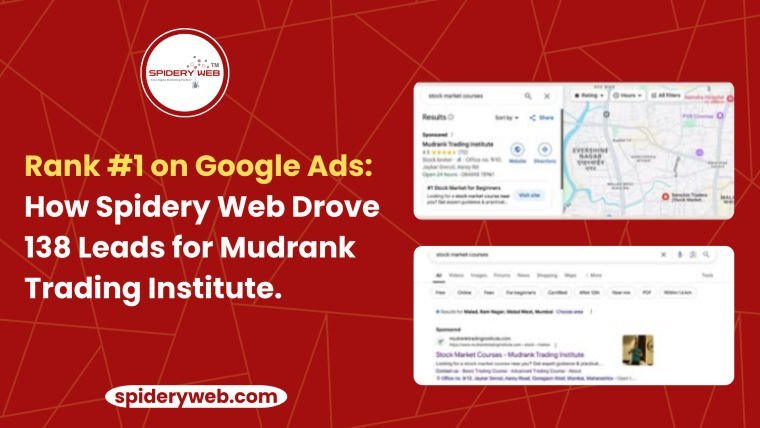
Google Ads Success Case Study
Are you spending on Google Ads but not getting the results you want? Still not ranking locally on Google—even though your products or services are ama…
Frequently asked questions
How do I find my Google review link?
Open Google Business Profile (search your business name on Google while signed in), click “Ask for reviews” and copy the link. You can also use your Place ID from Google’s Place ID Finder.
Is it free?
Yes — free, no sign-up. The link, QR code and review card are created in your browser.
Can I offer discounts for reviews?
No. Google’s policy does not allow incentives or asking only happy customers. Ask every customer politely and reply to every review.
Do more reviews help local SEO?
Yes. Review count, rating and recency are strong signals for Google Maps and the local pack, and they build trust with new customers.
What is a Place ID?
A unique ID Google gives every business listing, usually starting with “ChIJ”. You can find it with Google’s Place ID Finder.
Is it OK to ask customers for reviews?
Yes, asking is allowed. Paying, offering discounts or asking only happy customers is against Google’s policy.
Why did my review link open Maps instead of the review box?
Some short links open the listing first. Use the “Ask for reviews” link from Google Business Profile or your Place ID for a direct review link.