
SERP Simulator SERP Snippet Preview
See how your title and meta description look on Google — desktop & mobile.
The SERP simulator shows how a page’s title tag and meta description will look in Google results on desktop and mobile, and warns when text will be truncated.
How to use the SERP simulator
- Type or paste your page title (title tag) into the title box.
- Add your meta description and the page URL.
- Check the desktop and mobile previews side by side to see how Google will show the snippet.
- Watch the length meters — shorten anything that turns red so it is not cut off with “…”.
- Copy the final title and description into your CMS or Admin → Page SEO.
Why snippet length is measured in pixels
Google cuts titles at roughly 580–600 pixels on desktop, not at a fixed number of characters. Wide letters (W, M) use more space than narrow ones (i, l), so a 60-character title can still be truncated. The simulator measures the real pixel width.
Write titles that earn the click
Put the main keyword near the start, add a clear benefit or proof (“4.8★ rated”, “Free audit”), and end with your brand if space allows. A better snippet can lift clicks without any change in ranking.
Meta descriptions are your ad copy
Google may rewrite descriptions, but a specific, keyword-matched description is used far more often. Aim for 120–155 characters that answer the searcher’s question and include a reason to click.
What is a SERP preview tool?
A SERP (search engine results page) preview shows how your page will look in Google before you publish it — the blue title, the URL and the grey description. It helps you write titles and meta descriptions that fit without being cut off and that make people click.
Ideal title and meta description length
| Element | Recommended length | Tip |
|---|---|---|
| Title tag | 50–60 characters (about 580 px) | Put the main keyword first and your brand last |
| Meta description | 140–160 characters | Include a benefit, the location and a call to action |
| URL | Short, lowercase, hyphens | Use the keyword, avoid dates and IDs |
How to write titles that get more clicks
- Match the searcher’s words: “Dentist in Malad West” beats “Welcome to XYZ Dental”.
- Add a reason to click: price, year, “free”, “near you”, a number or a result.
- Keep one page = one main keyword so titles don’t compete.
- Write a unique title for every page — duplicates confuse Google.
- Google sometimes rewrites titles; a clear, relevant H1 makes that less likely.
Examples
| Weak | Better |
|---|---|
| Home | ABC Clinic | Dental Clinic in Malad West | Painless Treatment — ABC Clinic |
| Services | SEO Services in Mumbai — Rank on Google & Get Leads | Brand |
| Blog post 12 | Website Cost in India (2026): Pricing by Features |
Ready to grow faster than your competitors?
Book a free 30-minute strategy call. We'll audit your presence and show you exactly where the growth is.
Guides from our blog

Google Ads Cost in India (2026): CPC, Budgets and What You Really Pay
There is no fixed price for Google Ads. Here is what clicks typically cost in India, how much budget you need, and how to bring your cost per lead dow…
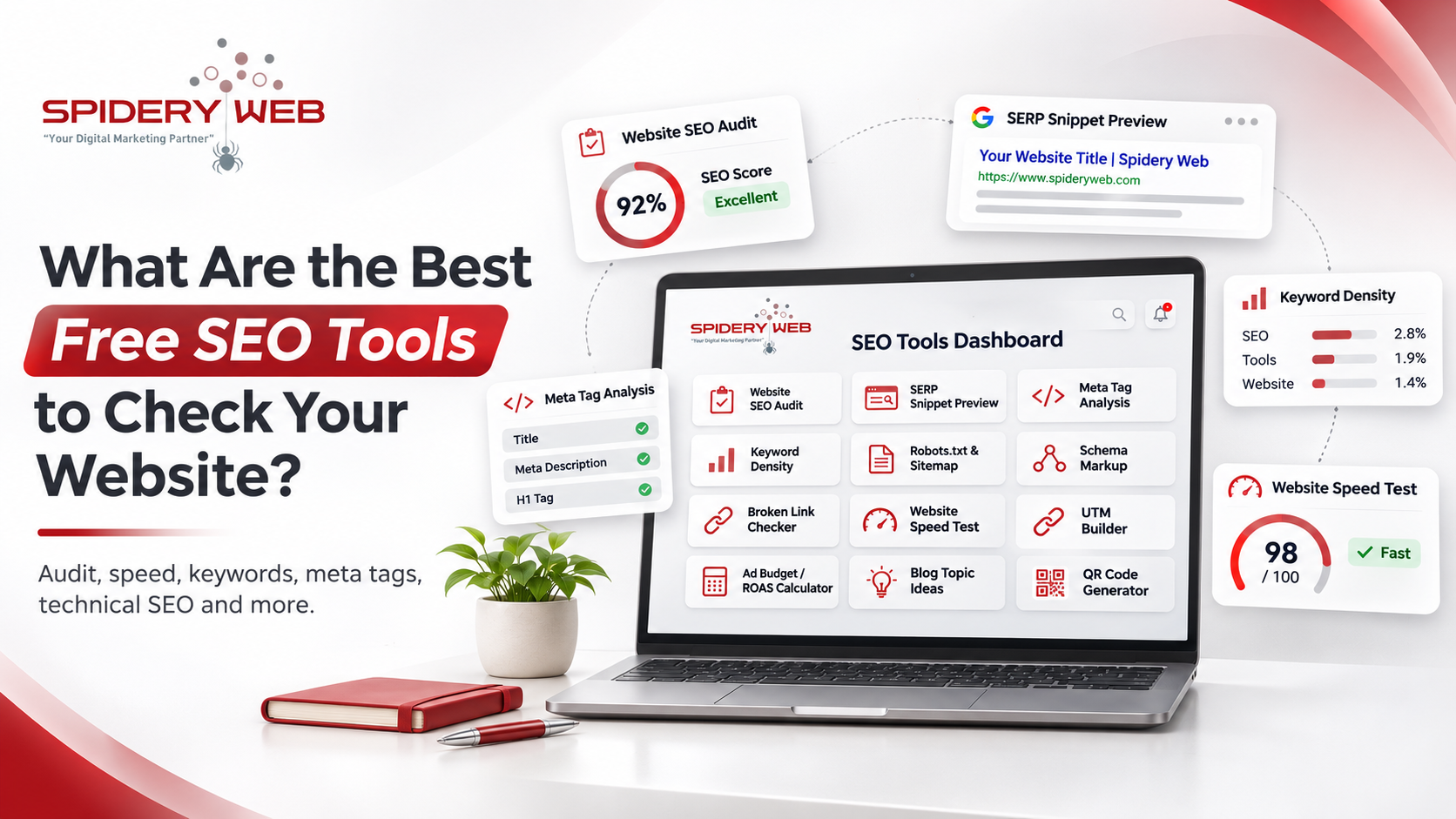
What Are the Best Free SEO Tools to Check Your Website in 2026?
Want to know why your website isn't ranking on Google? Discover free SEO tools to check website speed, meta tags, keywords, technical issues and overa…

Google Algorithm Update Recovery: 2026 Guide
A sudden fall in website traffic can be stressful. One week, your website may be generating calls, enquiries and sales. The next week, your important …
Frequently asked questions
What is a SERP simulator?
A tool that shows how your title tag, URL and meta description will look on a Google search results page, so you can fix truncation and improve click-through before publishing.
How long should a title tag be?
Keep it under about 580 pixels — usually 50–60 characters. The simulator warns you when Google is likely to cut it off.
Why does Google show a different title than mine?
Google rewrites titles that are too long, stuffed with keywords or do not match the page. A clear, accurate title that matches the H1 is rewritten far less often.